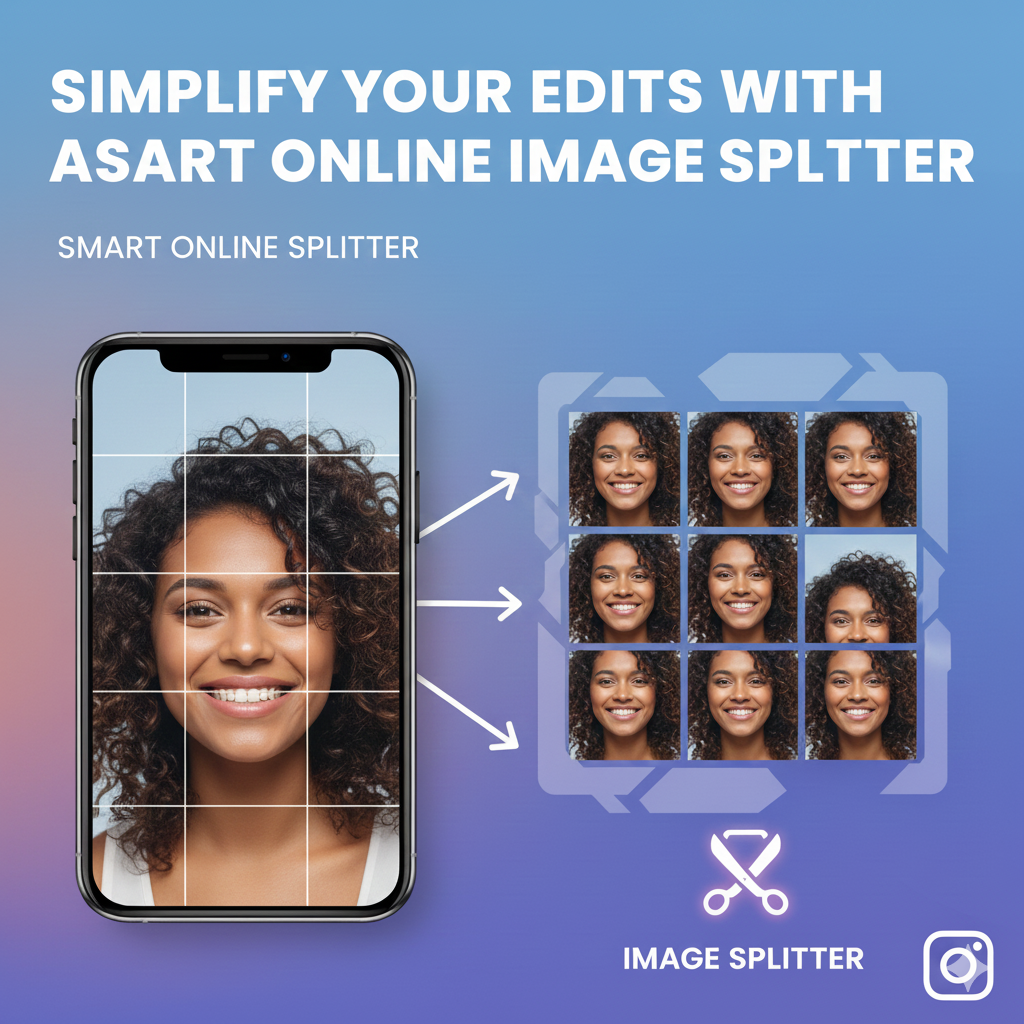
Redefine your blogs and social apps with a fascinating Online Image Splitter tool that comes with simple, flexible, and unique features. It’s easy to break the monotonous traditional photo posting cycle by upgrading to a new smart photo splitting technique. It’s a new revolution for blog builders, social media users, gallery decor, banners, and all picture-related needs.
What defines an online image splitter?
Online image Splitter is a tech innovation that helps users divide one photo into proportional sections. The photo is divided into multiple equal sections following a beautiful sequence. Amazingly, the split image process doesn’t require any specialized software or knowledge to utilize.
It’s a great way for website owners, social apps gurus, and brands to create attractive content with an incredible photo carousel. This gives web or app visitors a flow of images that provide a continuous storyline and impression.
Benefits of online image splitter for web and app building
With advance tools, you can simply edit and improve your website or app performance. Split image tools allow for smaller images that are manageable and easy to implement.
- Swift loading time
Large images are a hazard to your site’s loading time. Splitting the image allows for fast browser loading, which improves the page loading speed.
- SEO friendly
A fast website gives incredible performance, which is good for SEO. Smaller images are easy to open or load, giving user an easy time to access your page or application.
- Builds creativity
The image splitting tool helps facilitate modern designs fit for social media and blogs. You can create a neat and creative photo carousel for Instagram or blog layouts.
- Great user experience
Split images offer design flexibility as you can rearrange photos differently to fit multiple platforms. It works well with phone and desktop interface, making it for all users to enjoy your content.
- Interactive response
The divided images can be utilized separately to allow website users to take different actions. You can hyperlink a particular section, allowing users to access multiple elements.
An easy and interactive way to use a split image online
Split image tools are straightforward and have no complex realities. Website designers and app builders can use the image splitter as follows:
- Uploading image
From the specific file location, select the image you wish to split. Drag and drop or allow the splitting tool to automatically upload the image.
- Click the split mode.
Choose your preferred splitting mode. You can select vertical, horizontal, or grid format.
- Split parameters
Next, choose the number of sections (for manual) or allow the tool to automatically section the photo based on default settings.
- Preview, download, and upload.
According to the splitting tool, check the image preview for a visual of how the photo will display later. If you’re satisfied, download the image on your device. Next, upload it to your website or the specific platform you want.
Why settle for an image splitter?
Website and app visuals are important aspects that attract users. A well-displayed photo helps users navigate and engage with the site. An image splitter helps in;
- Fast and accurate editing.
- Provides consistent image size.
- Nice and neat website layout.
- Reduce errors occurring during manual cropping.
Online image splitter is the answer key for creative users, website, individual users, and everyone. It’s more than an online facility by a must-have tech tool.