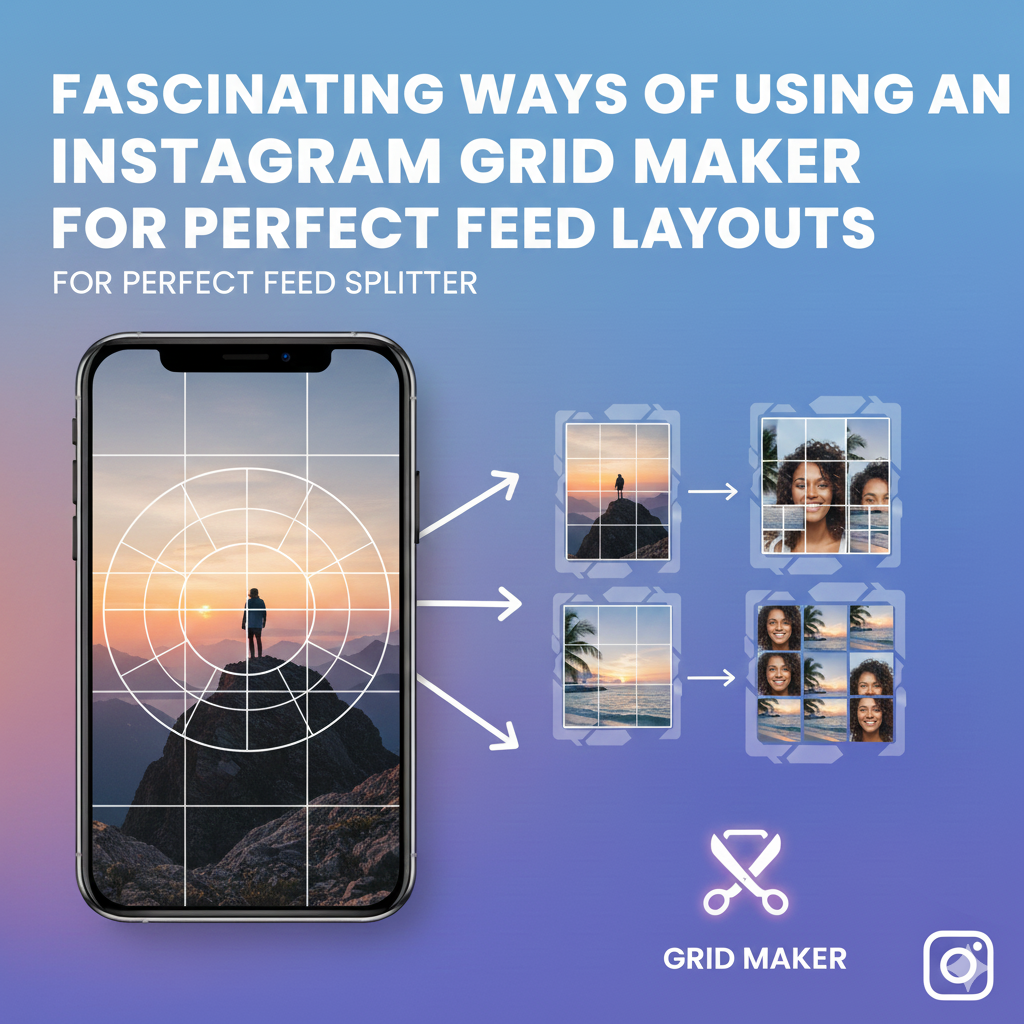
Building a perfect Instagram is a masterly that requires a combination of sophisticated and quality visuals. To shine in producing incredible Instagram grid layouts, you need to incorporate a simple but reliable Instagram Grid maker tool.
A perfect feed layout will give you more followers and an outstanding profile to keep them coming. There is no escape route when it comes to the social media journey. A stunning feed equals to impressive profile. To build the dream platform, Instagram grid maker will do the trick and keep you checked all the time.
Why involve an Instagram Grid Maker?
It’s the handiwork of Instagram Grid makers that most users are popular and have huge followings. You can easily split photos through innovative tech tools like the Image splitter tool, which comes in handy in creating beautiful grids and layouts.
Instagram revolves around photos and stunning profiles. To provide quality, an upper hand is required. A grid maker polishes the images and provides a professional, fun, and creative look. It’s possible to avail different image sizes (small/medium/large) that have a continuous flow and connection.
Whether it’s Instagram Carousel or feed layouts, a good grid maker is all you need. The tool is not limited to content creators but open to web users, businesses, project designers and all social platform users. Give your Instagram grid layout a touch of creativity to maintain incredible user flow and consistency.
Initial preparations for a perfect Grid layout
- Select a grid theme
First, settle for a particular grid theme that aligns with your Instagram page. The themes can range from lively, professional, bright, happy, sober, and more. This gives your audience a specific personality of your brand.
- Choose colors and fonts.
Next, select the colors and fonts that will define your brand.
- Review your contents and select a perfect grid layout.
Check whether the content you wish to post aligns with the particular grid you’ve selected. The grid selection and image splitting shouldn’t be a problem with an image splitter tool.
Easy and seamless ways to design an Instagram Feed layout using Instagram Grid maker
For a stunning feed layout, follow these simple steps, which can work on both phone and desktop.
- Selecting a Quality image
Choose the best image/photo that describes your brand or Instagram personality. The image should be high-quality for best results.
- Uploading
Using a free online Instagram Grid maker or a splitter tool, upload your image with the precise layout style.
- Preview and download the layout
Based on your tool choice, check the preview and if satisfied, download the image. Now, you can post the images on Instagram, starting with the last image and proceeding to the first.
Conclusion
It’s a matter of selecting the best Instagram Grid Maker to avail quality, creative, and stunning profile. Invest in free Image splitter tools for a professional and outstanding Instagram grid layout.