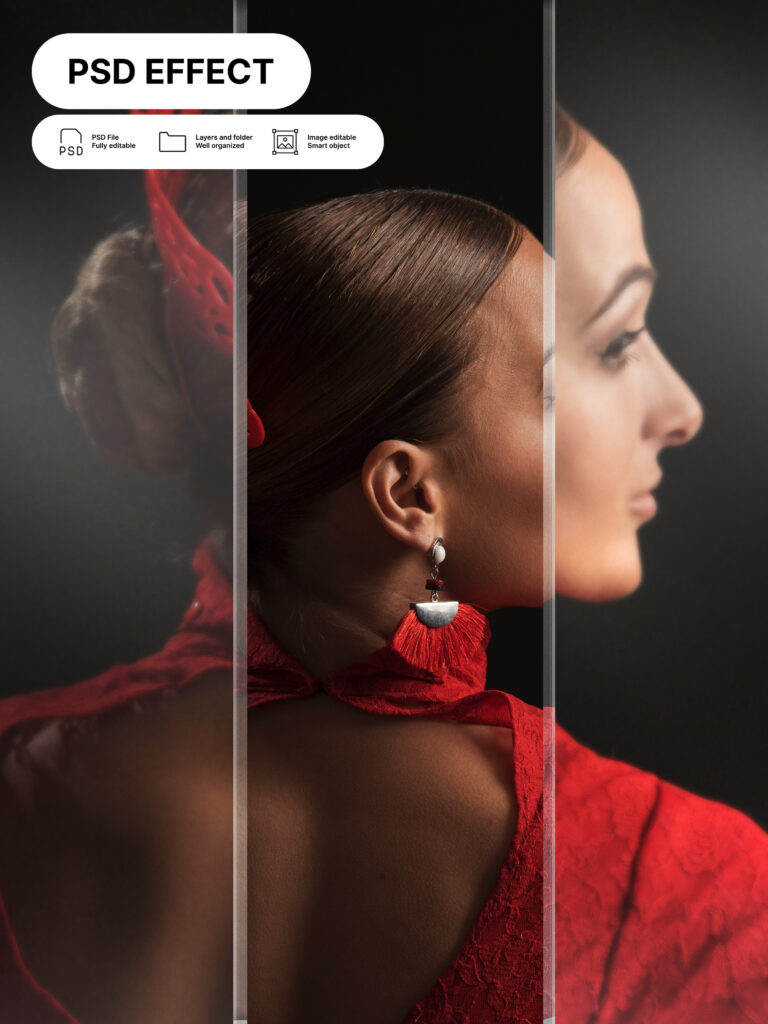
It’s no longer about how many photos you post but the quality displayed by each image. Instagram will never cease to amaze as presentation and visuals is what drives the platform. For a vibrant profile, feeds and layout image splitter will come in handy to make your account standout.
Attract the numbers with well-defined photos that align with your page’s personality. It’s the act of splitting images to formulate multiple photos. The small images give a consistent and beautiful grid that is perfect for your Instagram Grid Post.
What to know about the Image Splitter tool
Image splitters or photo splitters are amazing digital tools designed with simplicity and creativity. The tools allow users to split an image into different equal sections. The parts define the larger photo and are uploaded to Instagram or other social platforms, giving a sequential pattern. It’s a great way to tell a story through simple, creative photo grids.
What is an Instagram Grid Post?
Instagram has a default setting that allows users to access your profile once they click your username. The page display several descriptive details from name, profile pic, and previews. The system provides users with past posts in a chronological order. The preview section is what is considered as Instagram grid. To create an impressive grid, you can implement a split image tool to give a significant touch on each photo and detail.
Significance of an Image Splitter tool for your Instagram Grid Layouts
- Gives a creative, beautiful, and professional look
Your Instagram will look glamorous with the intervention of a split tool. The images are stunning and presentable.
- Appealing
A nice profile and grid layout attracts users, turning them to followers. With just a simple tool, one can create a huge audience.
- Consistency
Image splitting tools divide photos into equal tiles that are well displayed on your Instagram. The photo appears constant or continuous with a nice presentation.
- Creates curiosity
Gorgeous photos attract multiple onlookers. An amazing feed and layout will create curiosity among users.
What makes a nice Instagram Grid Post/ Layout?
- Color tones, filters, and themes on your photos and profile.
- Uploading a high-definition image for incredible results.
- Preview and corrections on the image.
- A mixture of different posts, for example, grid posts and single posts. This keeps the feed engaged and alive.
- Plan and visualize your layout using a reliable Image splitter.
Steps to split your images with the photo splitter tool for a spectacular Instagram grid post
A good Instagram grid will only be perfect if a capable photo splitter is involved. Here is a simple guide on the photo splitting technique:
- Pick your desired photo from your device.
- Next, on your browser, open the image splitter tool (for example, imagesplitter.info).
- Choose a grid layout that suits your desires.
- The tool will automatically split the image as directed.
- Preview the photos and download as individual files or a zip file.
- Proceed and upload the images to your Instagram.
Conclusion
Image Splitters sounds like a must-have tool for anyone seeking unique photos for their Instagram or social platforms. The split-image tool is quite significant in transforming the way we view images and creativity.