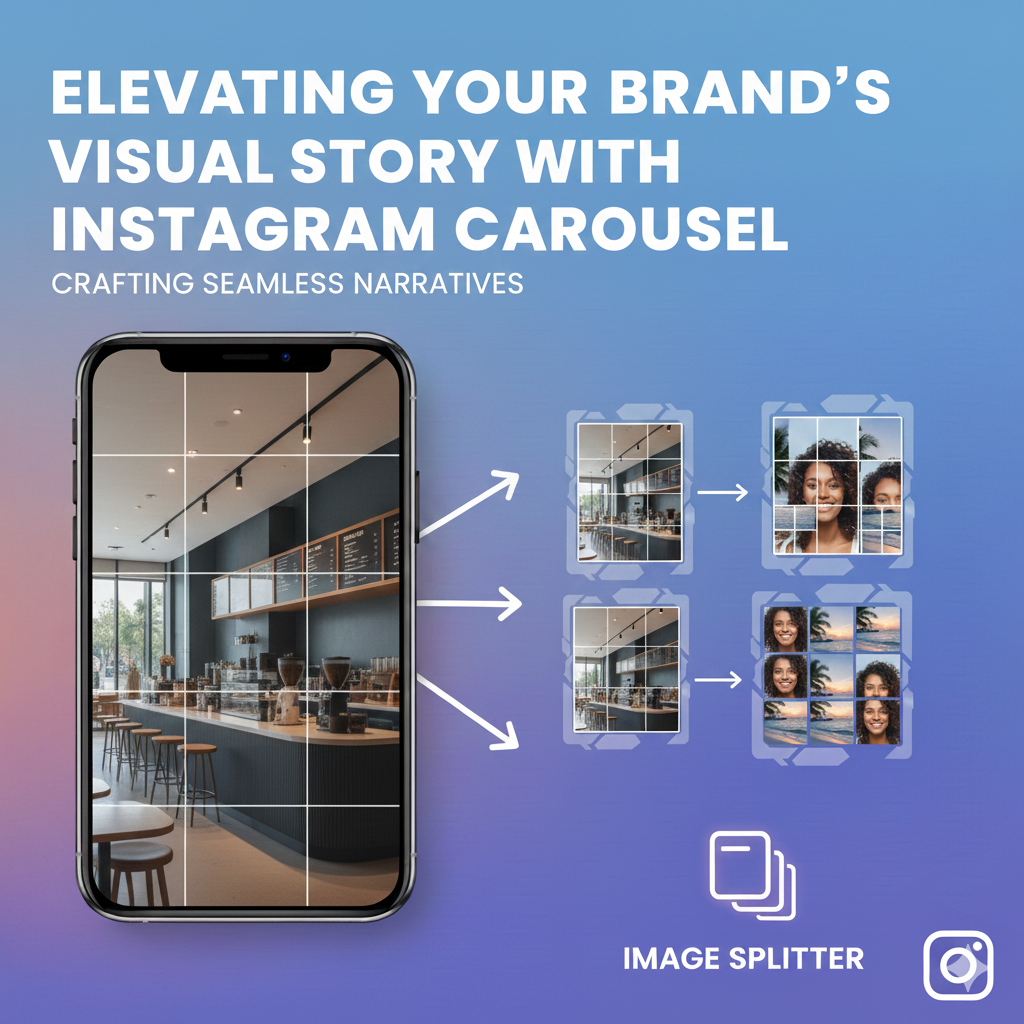
Instagram is the perfect masterpiece for brands seeking growth and visibility. The ability to attract and display your story in a single post is a rare achievement. The invention of Instagram Carousel is an amazing tale that comes in handy for brands and individuals to gain great exposure in the simplest way.
For brand engagement, Instagram offers versatility and unique features that are available on multiple devices. With Carousel, you get to share content, post different photos and videos in one post. It’s an incredible way to share a story without much effort. Create more brand followers, saves, likes, and views with the help of beautiful Instagram photo carousels.
More about Instagram Carousel
The fascinating Instagram Carousel is a feature designed to help you to create photos/videos in a one post. The post gives the user an impression of continuity. It helps display the content or photos in a particular sequence.
Brands or individuals using carousel easily showcase their products, or a story in a defined post, without the need of multiple photos. Instagram photo carousel is comprehensive, allowing user to post both educative content and just for fun information like photos.
Effectiveness of Instagram Carousel in Brand Visibility
Carousels are an effective powerhouse for brands to stand out in the saturated market. It’s no longer a matter of working hard but smart. Instagram is the power key for better display, client traction, and durability. Having an attractive Instagram grid layout will give a positive push in the marketing league.
- Better and Higher interaction rates
IG Carousels posts offer quality client interactions than single image posts. Page visitors tend to engage more with the content and respond better to the post. A single swipe for multiple posts allows one to access more content within a limited time. This calls for more shares, likes, comments, and follows. It’s beneficial for the Instagram algorithm, allowing for more visibility.
- Engaging and enhanced storytelling strategy
With the sequential flow of content, it’s easy to create a beautiful story. You can create different emotions like suspense, surprise, and laughter in a single post. This enhances the quality of the story or content by giving them a visual journey.
- Detailed content, no over-posting
It’s easy to display related posts, videos, or images without over-posting. Instagram carousel allows you to create a single details post that is easy to share without spamming the feeds.
- Multiple products in a single post
A carousel helps describe a product from different angles. You can highlight all details in the post using a step-by-step process and present transformations in the same post.
Tips for a fascinating Instagram Carousel
To achieve an effective carousel for your branding. It’s wise to create quality, neat, and attractive slides.
- First impression
The first slide should be super-impressive and attention-seeking. The slide should create curiosity for one to swipe next. Get the best video or photo and create a unique headline.
- Consistent and bonding slides
After attracting the users, ensure the slides relate and are consistent. The slides should have related elements such as colors or logos.
- Compelling content
The story should interrelate; each needs to have a solid presentation building from the last slide.
- Memorable final slide
Like the first slide, create a memorable final slide. Give a lasting impression for your last slide. Show a creative and strong call to action.
Steps to make a carousel post on Instagram:
- Go to your Instagram app and click the + icon to easy create a new post.
- Proceed and select Post, then select “Multiple” this will help you choose up to ten photos or videos.
- Arrange them in your preferred order, then tap.
- Apply filters or edit each slide individually.
- Add your caption, tags, and location.
- Finally, review your post and tap Share to publish your carousel.